Download
Get
AnyMap
Free to download, and free to start: ride as a guest in a minute, with no account and no card.


iPhone and iPad: iOS 15 or later · Android 7.0 or later · Mac: coming soon
On your computer?
Scan with your phone's camera to get the app there.
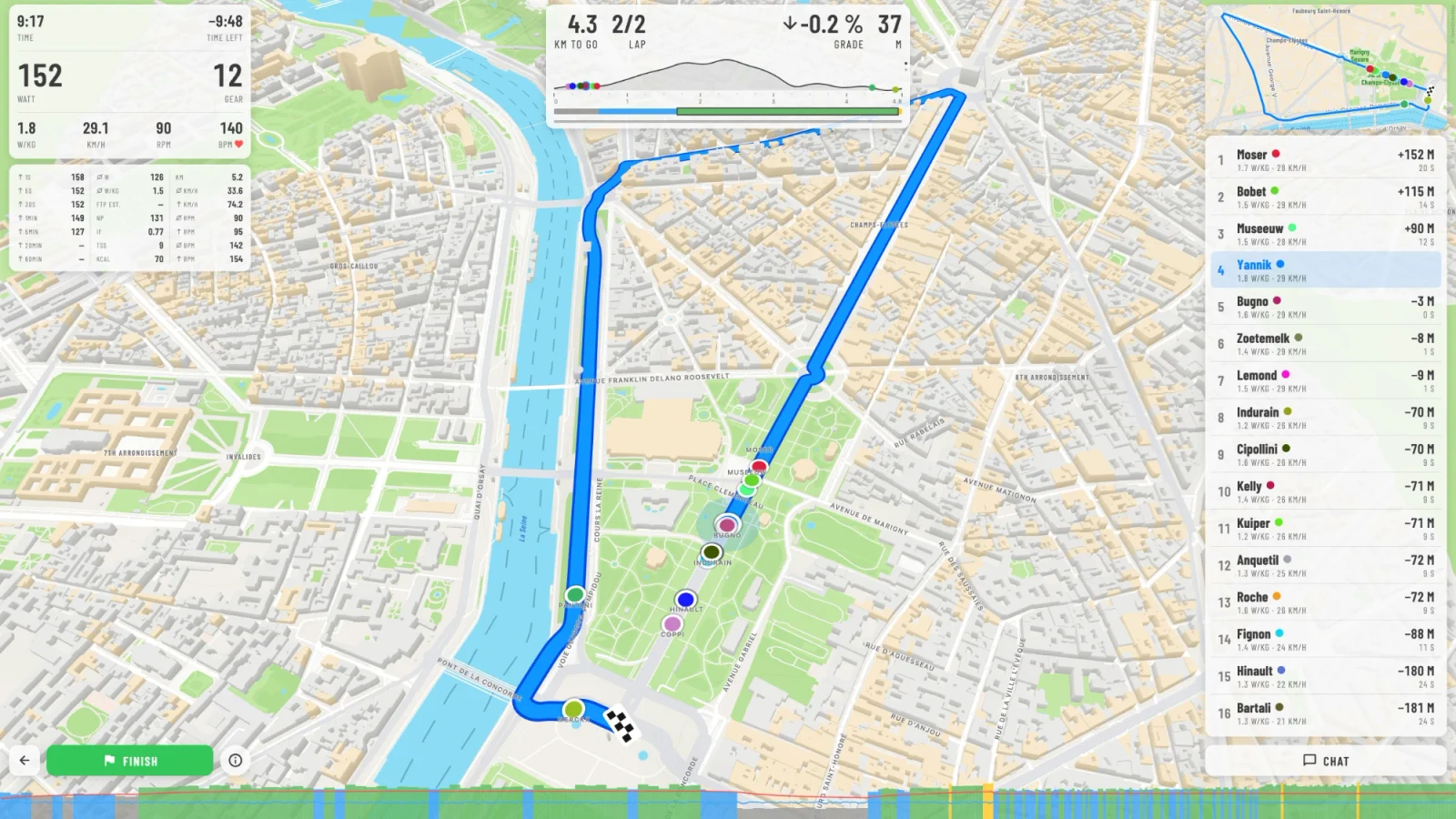
- iOS
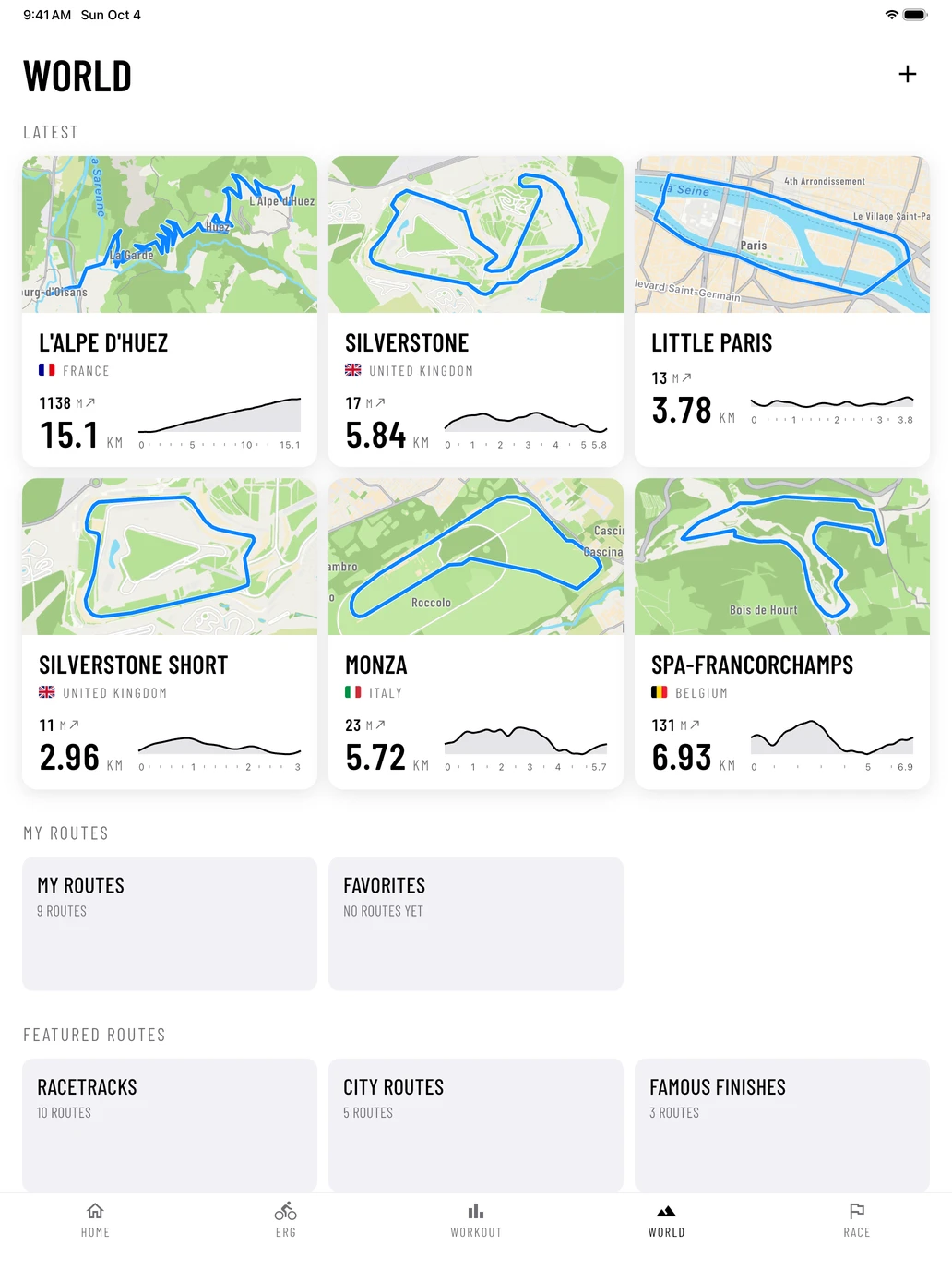
- iPadOS
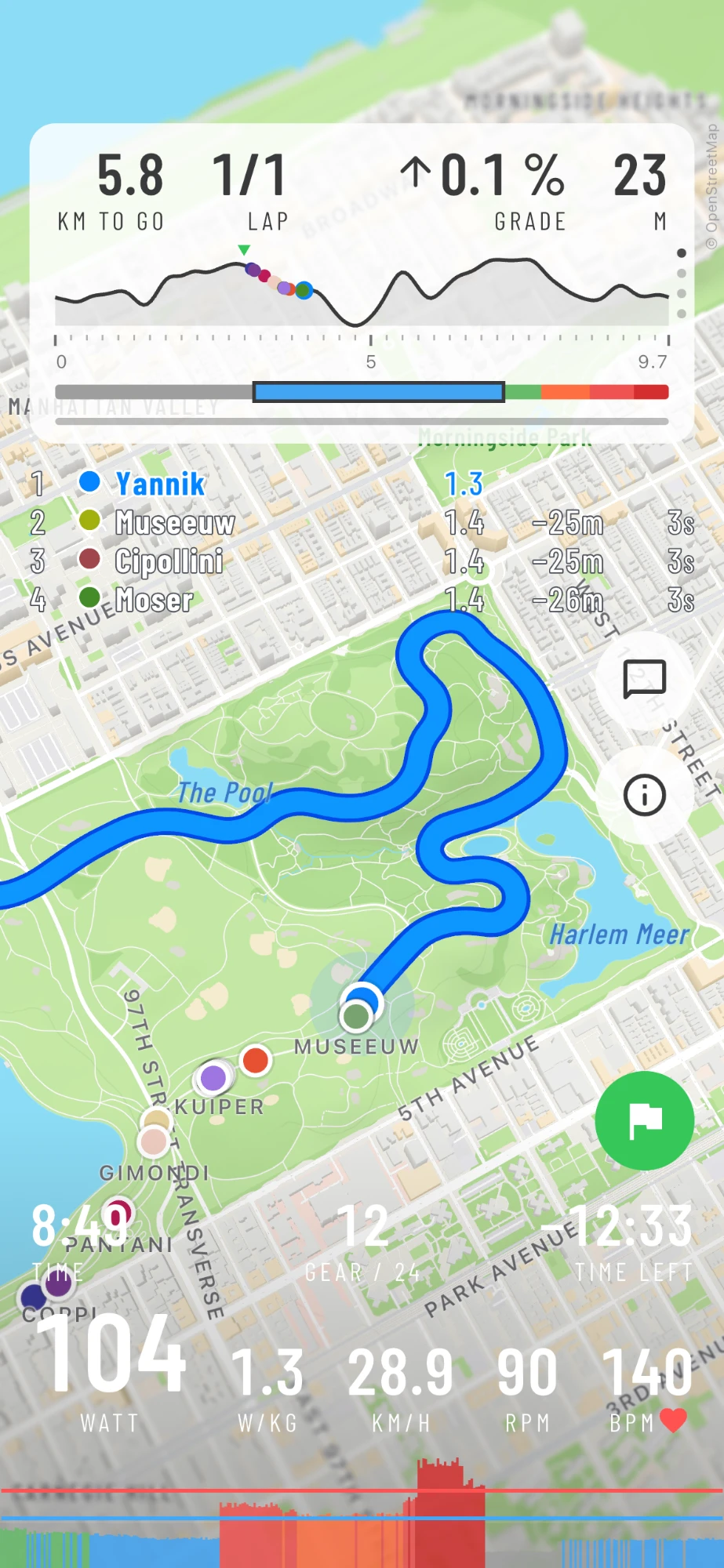
- Android
- macOS· Soon
Ride in three steps
- 1
Download
Get AnyMap from the App Store or Google Play, and open it. No account, no card: you ride as a guest at once.
- 2
Connect your trainer
Turn your trainer on and pedal a few strokes to wake it up. Tap it on CONNECT YOUR TRAINER. Trainer help
- 3
Ride
Pick a route and tap START RIDING. Free to ride: the hairpins of L'Alpe d'Huez, a lap of Silverstone and Central Park.
What you need
A bike,
a trainer,
a screen.
A smart trainer
Any trainer with Bluetooth FTMS: Wahoo KICKR and KICKR CORE, Tacx Neo and Flux, Elite Suito and Direto, Saris H3, and most others of the last years.
A phone or tablet
iPhone or iPad with iOS 15 or later. Android 7.0 or later. A Mac app comes later.
A heart rate strapOptional
Any Bluetooth strap. A nice extra, not a must.
Zwift Click or CogOptional
Shift AnyMap's 24 virtual gears from your handlebar.
Premium
Ride without limits.
Online racing, every road on Earth with the route builder, and all 400+ workouts. Get it in the app, or here on the website for 15% less.
Questions before you ride? See the support page.